
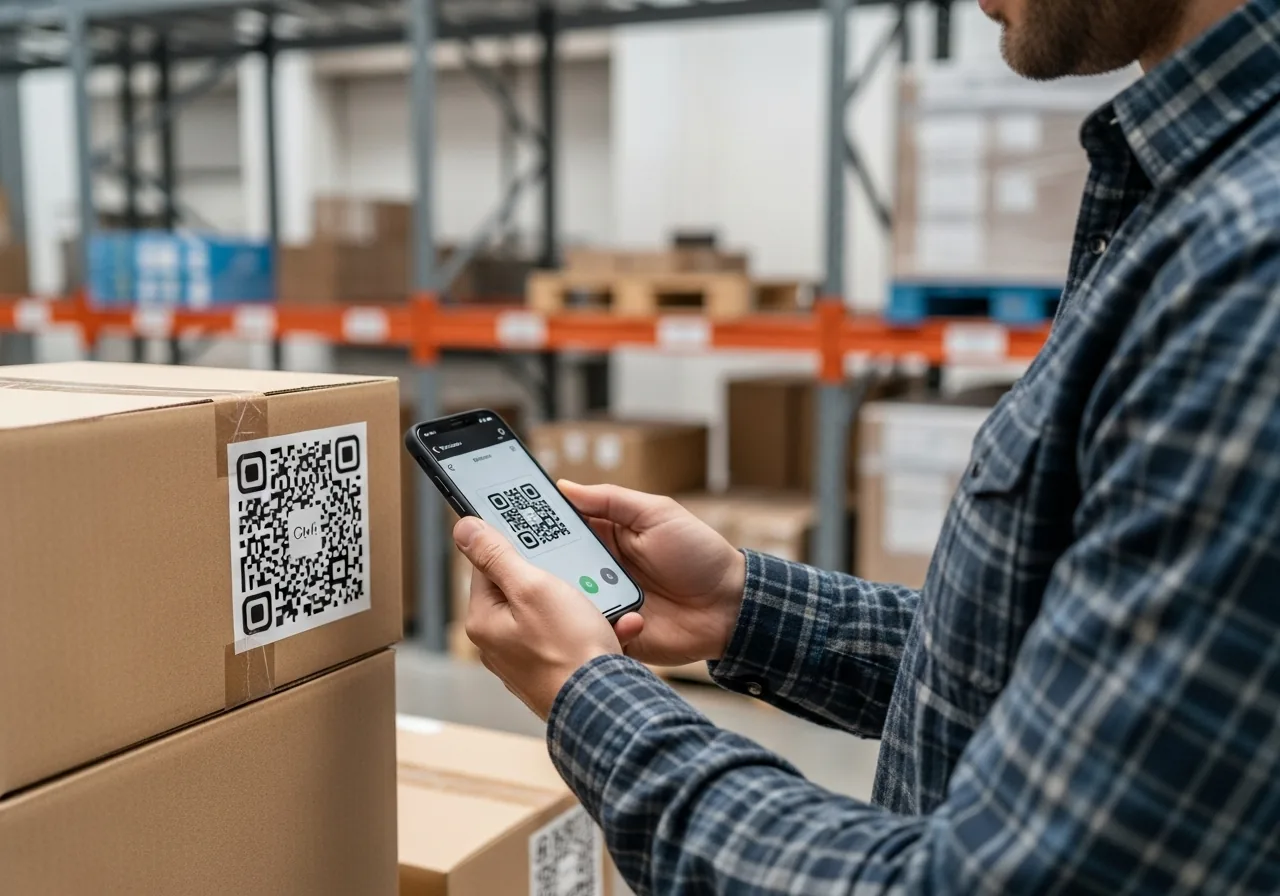
Scan. Tap. Done.
Instantly add, remove, or adjust inventory with built-in QR code scanning. One-tap workflow for maximum efficiency.
No typing required. Point your phone at a QR code and you're ready to go.
Streamlined Scanning Experience
Built for speed and efficiency, our QR scanning system eliminates manual data entry and reduces inventory management time.
Mobile-First Design
Optimized for smartphones and tablets. Scan QR codes using your device's camera with lightning-fast recognition.
Instant Processing
QR codes are processed in real-time with immediate feedback. Update inventory levels instantly with quick action buttons.
Team Collaboration
Multiple team members can scan simultaneously. Real-time updates ensure everyone sees the latest inventory levels.
How QR Scanning Works
Simple, fast, and intuitive - the way inventory management should be.
Open Scanner
Tap the QR scan button in the app to activate your device's camera and start scanning immediately.
Point & Scan
Point your camera at any QR code. Our system instantly recognizes and loads the corresponding inventory item.
Quick Actions
Use one-tap buttons to add, remove, or adjust quantities. Changes are saved instantly across your team.
Ready to Transform Your Inventory Management?
Start scanning QR codes and managing inventory in minutes. No credit card required.