
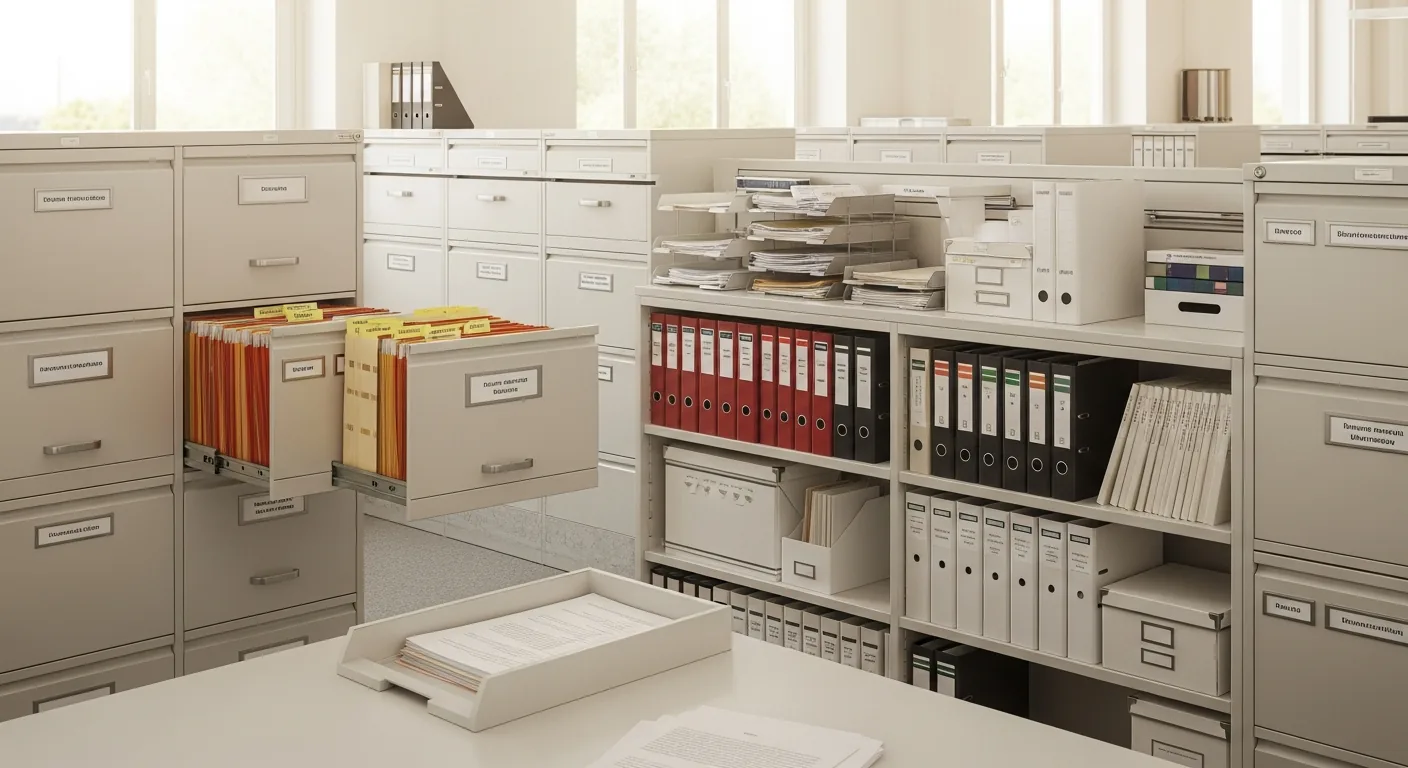
Organize Inventory Your Way
Create nested folders to categorize your inventory exactly how your business works. Up to 5 levels deep, with permissions for each folder.
From departments to locations to product types—structure your inventory however makes sense for you.
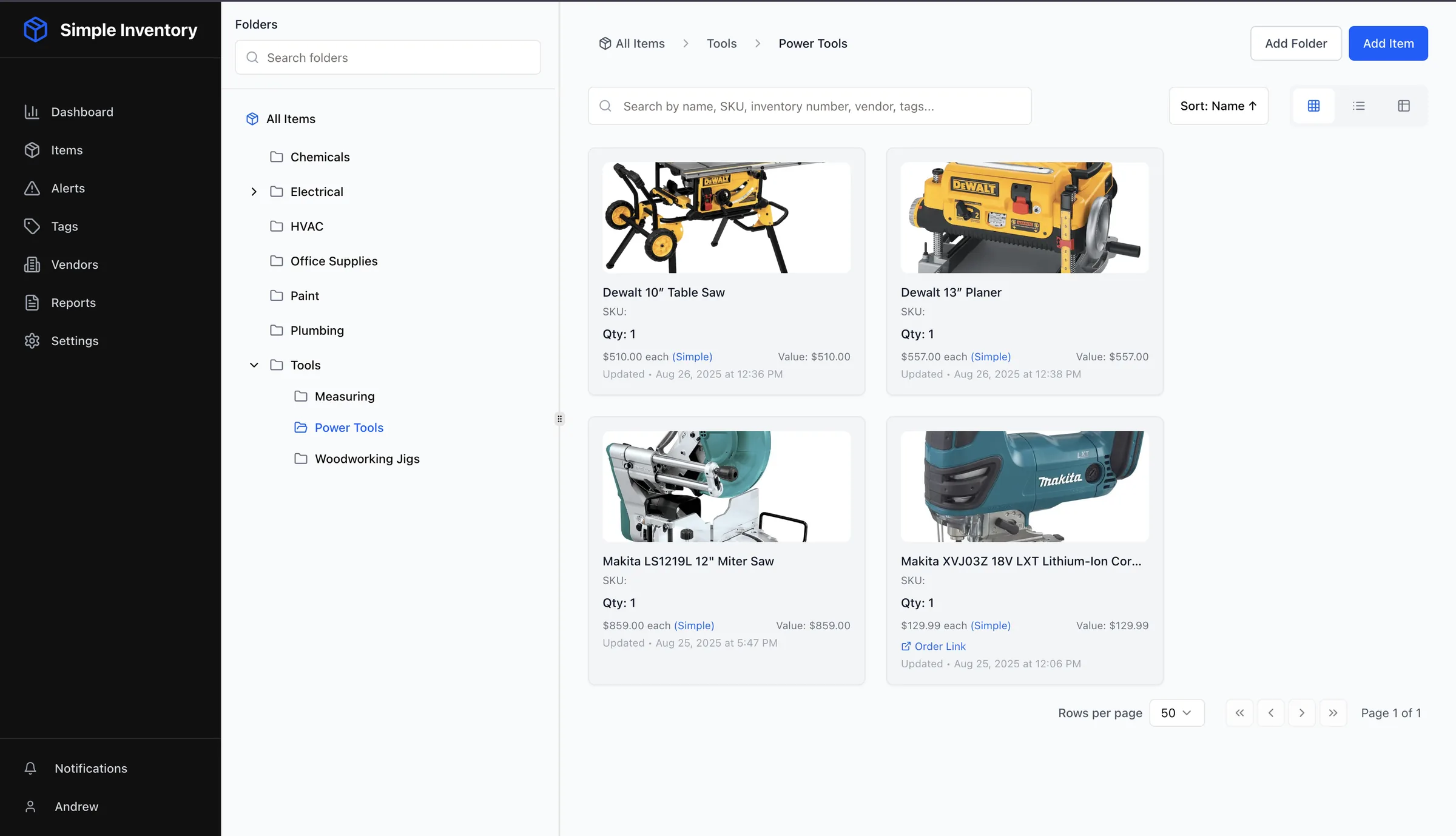
Intuitive Folder Navigation
The sidebar folder tree makes it easy to organize and find your inventory
Folder Features
Everything you need to organize your inventory effectively
Nested Folders
Create folders within folders, up to 5 levels deep. Perfect for organizing by location, department, category, and more.
Folder Permissions
Control who can access each folder. Set permissions to None, View Only, or Full Edit access for each team member.
Create & Rename
Easily create new folders and rename existing ones. Duplicate names are automatically prevented within the same parent folder.
Breadcrumb Navigation
Always know where you are. Clickable breadcrumbs show your current path and let you jump back to any parent folder.
Folder Images
Add images to folders for visual organization. Upload multiple images and set a cover image for quick identification.
Collapsible Sidebar
Expand and collapse the folder tree to maximize your workspace. The sidebar remembers your preference automatically.
Granular Folder Permissions
Control exactly who can see and edit each folder. Perfect for teams where different departments need access to different inventory areas.
No Access
Folder is completely hidden from the user
View Only
User can see items but cannot make changes
Full Edit
User can add, edit, and remove items in the folder
Example Use Cases
- Warehouse team - Full access to warehouse folders
- Sales team - View-only access to product folders
- Management - Full access to all folders
- External vendors - Access only to their specific folders
Ready to Organize Your Inventory?
Start your free trial and create your folder structure in minutes. No credit card required.